3D
3D Printing
I started 3d printing to solve an IoT problem. After picking up the components to build a smart speaker for my Home Assistant ecosystem, I realized creating the enclosure would cost about $75 to have printed and shipped. Since I needed 3 to start, it became clear it was cheaper to buy a printer and print my own.
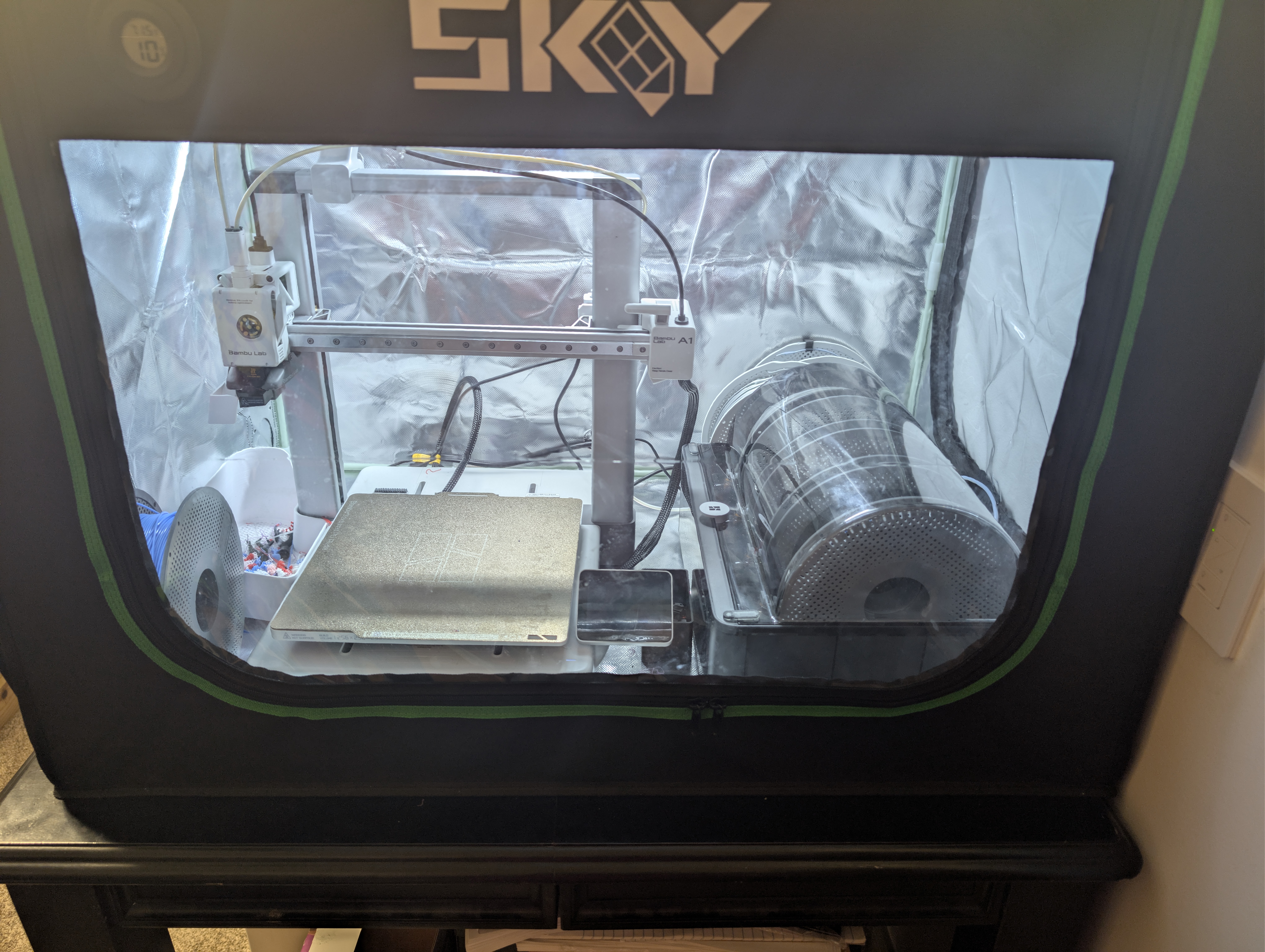
Current setup:
- Bambulab A1
- Bambulab A1 AMS2 Pro
- Sky 3d Print Enclosure
Early Print Lessons
Early prints yielded a number of lessons. Among the most important were that stable temperatures and humidity are critical. The placement of my printer is by my office door, which is bad for drafts and temperature control. To resolve this, I purchased a Sky printer enclosure which seems to have been effective. It has also helped maintain good humidity levels. The next issue I ran into is that some filaments require an AMS (Automatic Material System). So I went with the latest model (AMS 2 Pro) because it also is capable of drying the filament.
If I were to do this again, I would upgrade to a model that came with an enclosure. The AMS allows printing with multiple filaments, but it does burn a lot of filament switching between them, which also adds a lot of time to the print. So I might consider a dual nozzle printer for a do over as well.
Printer Notes
- Filament: NA
- Source: NA
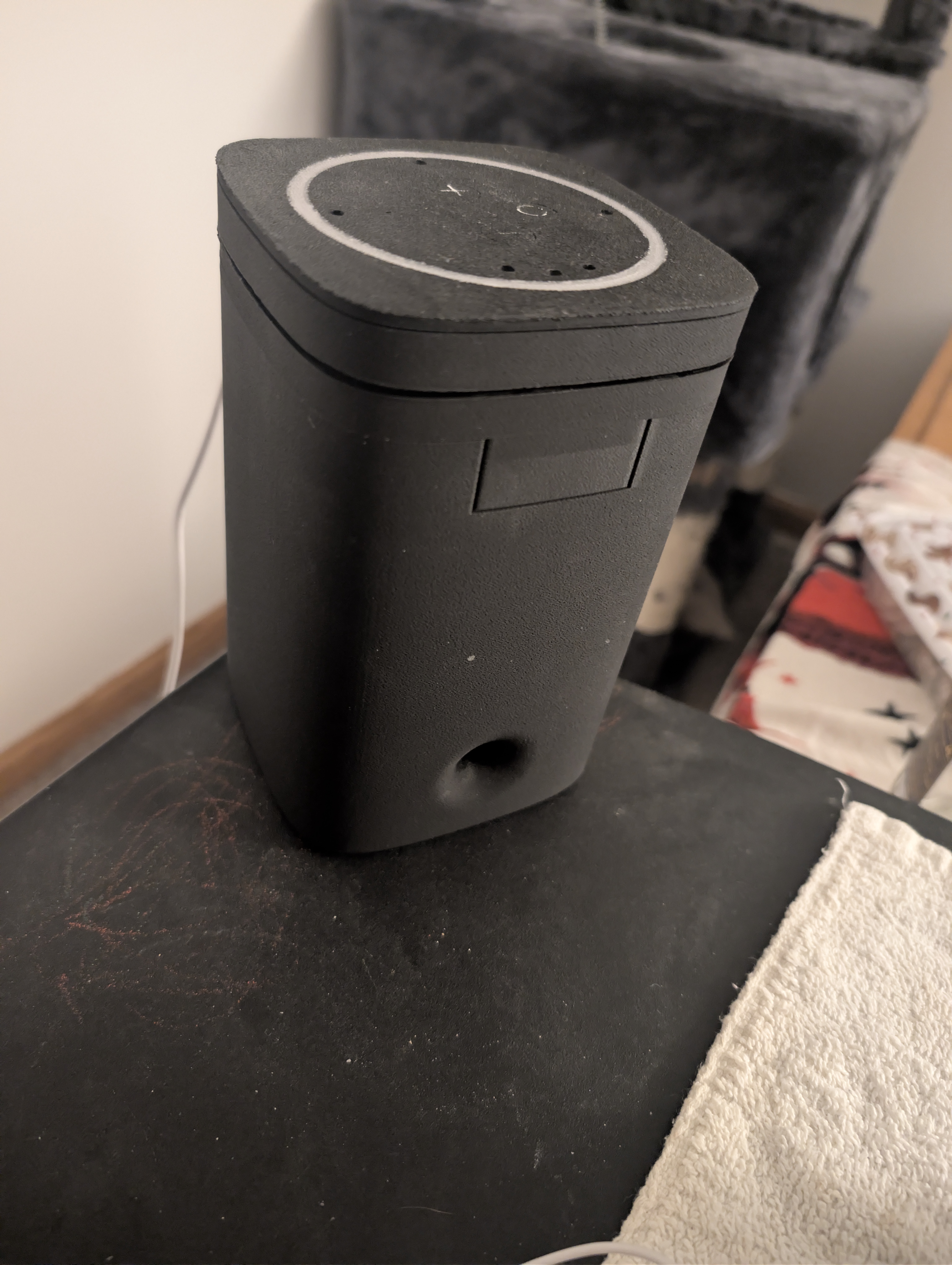
First Print - FutureProofHomes Satellite1 Smart Speaker Enclosure
Most of the notes I read on this print suggested either PLA or PETG. I opted for the PLA-CF because I was curious how it would turn out. Experimenting on the first real print may not have been the best of ideas, but it turned out well. The look and feel seems less like plastic. I did learn a few good lessons too.
- The top ring has lights under it and is best done in a translucent filament. The model comes with one version that prints the ring and top section as one and another that prints them as individual components. PLA-CF does not play well with translucent filaments when using a single nozzle. After three attempts at a multi-material print, I switched to individual components.
- There are supposed to be markings on the top buttons. PLA-CF did not do well with that part either. Perhaps if I used PLA-CF for those markings I may have gotten a better result.
- PLA-CF is a bit hard on the AMS Lite (the AMS I purchased initially with my printer).
Printer Notes
- Filament: PLA-CF
- Source: https://github.com/FutureProofHomes/Satellite1-Enclosures/tree/main
© Thunderj. All Rights Reserved.